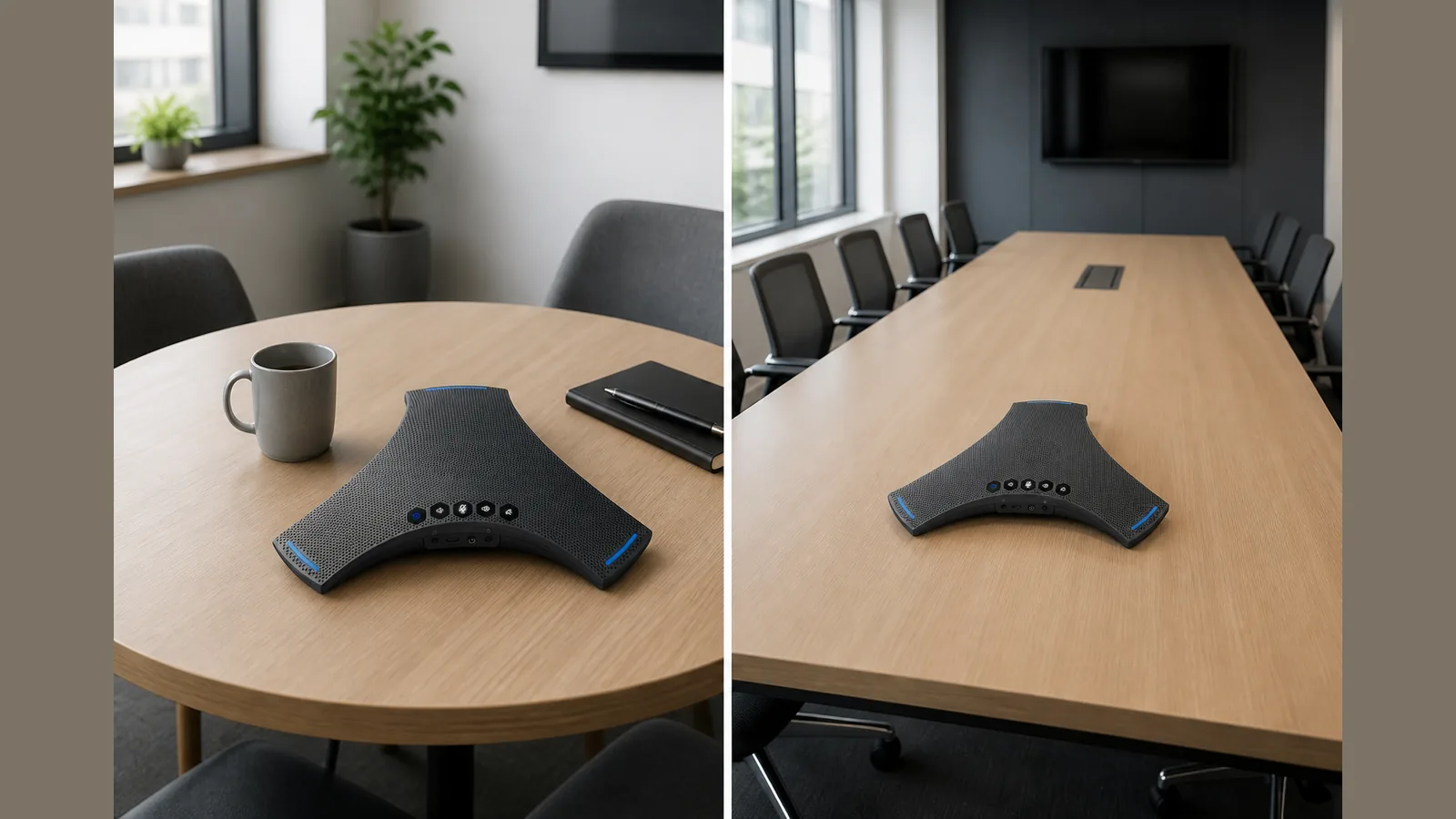
Choose the right size conference speakerphone UK: UK Practical Guide
Direct buyer answer
To choose the right size conference speakerphone UK buyers should match pickup coverage and connectivity to the actual meeting room, not to a catalogue headline—start with 360° voice pickup and a fast USB-C plug-in so hybrid calls are usable on day one without staff crowding a laptop microphone.
Office managers are judged on whether meetings sound clear for people in the room and remote callers, not on rack diagrams. Room-size evaluation is the practical filter: smaller huddle spaces need a different coverage approach from larger boardrooms, and future-proofing comes from picking a unit you can scale with your room mix rather than guessing from marketing copy alone.
What to check on the listing
Before you buy, read the listing for claims you can verify against your room and IT setup:
- Pickup pattern — look for omnidirectional or 360° voice pickup so people around the table are covered without huddling.
- Connectivity — confirm USB, Bluetooth and any wireless dongle options match how your teams join calls.
- Setup time — prefer a five-minute USB-C style path so non-technical staff can get a usable call without waiting for AV support.
- Room coverage language — treat “scalable room coverage” as a planning cue; ask the seller how the product is meant to fit your room sizes rather than assuming a radius that is not stated.
- Hybrid-call framing — clearer hybrid calls and faster setup matter more than feature lists you cannot map to your rooms.
A Bluetooth conference speakerphone with omnidirectional pickup is a sensible baseline for many UK meeting rooms when the listing also explains USB and wireless options clearly.
Fit and use-case questions
Use these questions to decide whether a unit is the right size for your space:
- How many people typically sit in the room, and do they sit on all sides of the table?
- Is this a small huddle room, a mid-size meeting room, or a larger boardroom that may need a different coverage approach?
- Will staff connect mainly by USB-C to a laptop, by Bluetooth, or via a wireless dongle provided for the room PC?
- Do you need one device per room now, with a path to standardise across more rooms later?
- Who will set it up on day one—IT, facilities, or the meeting host—and can they complete a short plug-and-play setup?
Guides that break evaluation down by room size are useful for planning; apply that logic to your floor plan rather than copying another office’s shortlist.
Claim-safe caveats
Stay within what the listing and trusted public sources actually say:
- Do not treat unstated daisy-chain counts, pickup radii, or platform certifications as facts.
- Do not assume Microsoft Teams or Zoom certification unless the seller verifies it in writing.
- Internal procurement data (SKU codes, stock snapshots, supplier unit prices) is for buying operations—not for public performance claims.
- Weight, packaging and image readiness gaps may affect logistics or merchandising; they do not justify inventing specs in your buyer notes.
A conference speakerphone for UK meeting-room fit-outs should prioritise 360° pickup and a quick USB-C setup so hybrid meetings sound usable immediately—not after a complex install.
Next step
If you are shortlisting a Bluetooth conference speakerphone with 360° voice pickup, USB, Bluetooth and wireless dongle connectivity for clearer hybrid calls and faster setup, review the SpeakSpeak Orbit Pro product details and match the offer to your room sizes before you purchase.
FAQ
How do I choose the right size conference speakerphone UK offices need?
Map room size and seating layout first, then confirm 360° or omnidirectional pickup and the connection methods your staff actually use. Size the device to the room scenario, not to a generic “best” label.
Is a Bluetooth speakerphone enough for conference calls?
Bluetooth helps for flexible joining, but many UK rooms also need USB (often USB-C) and sometimes a wireless dongle for a fixed room PC. Check all three on the listing if your mix of devices varies.
What should a conference call speaker do on day one?
It should let people around the table be heard without crowding a laptop mic, and it should be simple enough to set up in minutes so hybrid meetings work without waiting for a specialist install.
Where can I compare SpeakSpeak’s stated features?
See SpeakSpeak’s public product positioning for UK meeting rooms covering 360° voice pickup and USB, Bluetooth and wireless dongle connectivity, alongside room-size buying guidance from independent industry articles linked in the citations for this piece.