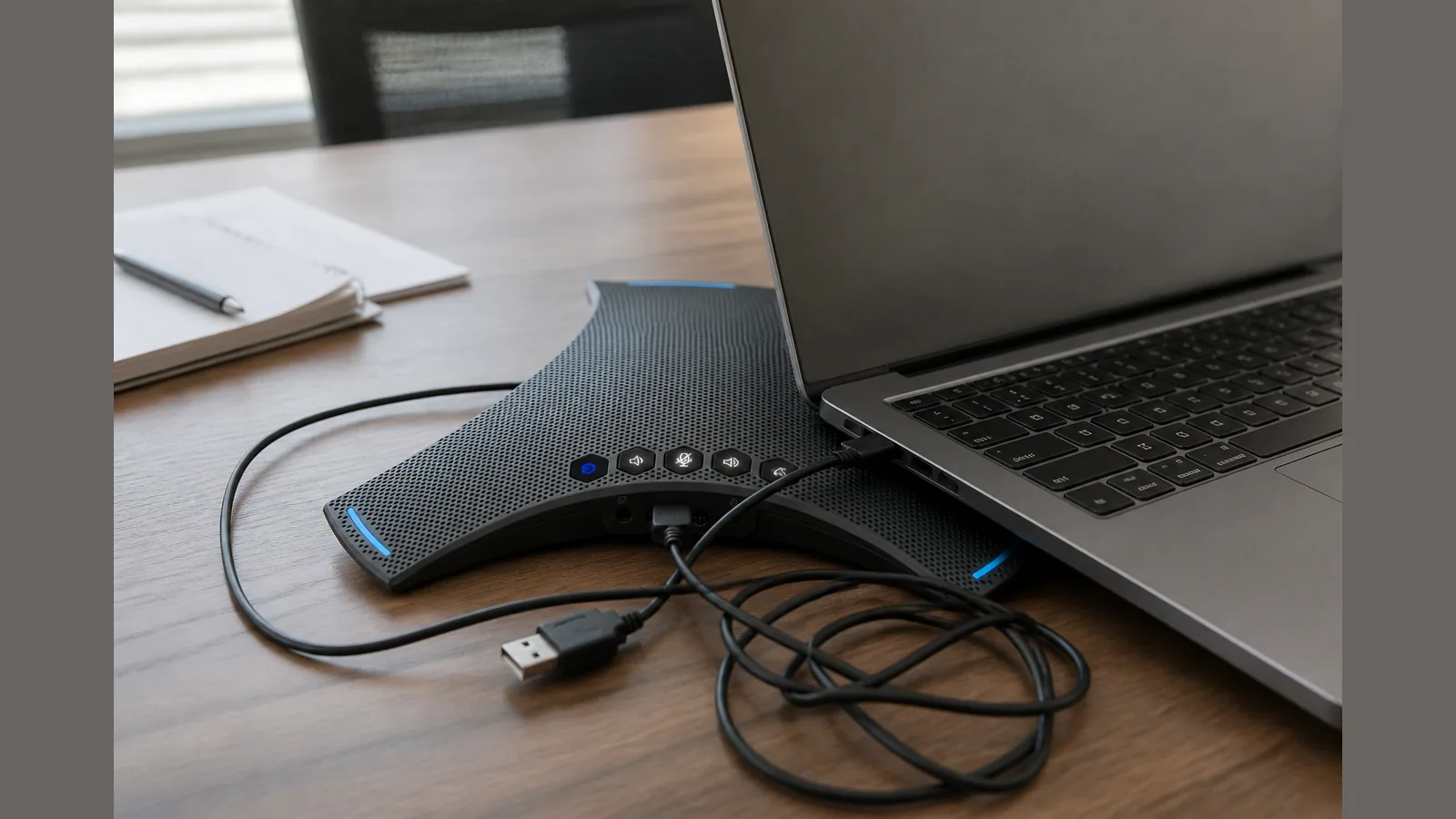
Common mistakes using conference speakerphone UK: UK Practical Guide
The most common mistakes using conference speakerphone UK setups are poor placement, incorrect microphone orientation, and mixed-unit habits that make voices sound distant or noisy. Fixing position and orientation first often improves call clarity before you change hardware.
Symptom → likely cause
If colleagues sound far away, muffled, or uneven, placement is a frequent cause. Incorrect microphone orientation can leave the speakerphone picking up less speech from people in the room, or emphasising unwanted noise instead.
Echo, one-sided audio, or sudden drop-outs often point to the unit sitting too close to a laptop fan, wall, or cluttered desk edge, or to people speaking from outside the useful listening area. Hybrid meetings can also suffer when only one person “owns” the device and others sit off-axis.
- Distant or thin voices: device too far from speakers, or mic facing the wrong way.
- Harsh room noise: unit near keyboards, HVAC, or open windows.
- Uneven participation: mixed personal headsets plus the room speakerphone fighting for the same call.
Safe stop criteria
Stop troubleshooting and avoid further tweaks when basic checks are done and audio is still unsafe or unusable for the meeting.
- Stop if volume must be raised so high that feedback or shouty echo appears.
- Stop if voices remain unclear after a simple reposition to the centre of the table and a short reconnect.
- Stop if only some participants can be heard no matter where people sit—treat that as a support issue, not a “try harder” problem.
- Do not chase unproven claims about daisy-chain limits, pickup radius figures, or platform certifications that are not confirmed for your unit.
What users can check
Better conference call quality depends on optimal speakerphone placement. Work through these checks before buying another device or blaming the network.
- Centre the unit on a clear table surface, away from laptop lids and coffee cups that block the mics.
- Mind orientation—keep the microphone side open to the people speaking, not pressed against a wall or binder.
- Avoid mixed-unit mistakes: one room speakerphone or personal headsets for remote staff—not both active in the same physical room without a clear rule.
- Confirm Bluetooth pairing to the intended laptop or room host, then mute unused devices.
- Test with a short internal call from each seat people usually use, not only from the host’s chair.
Tech teams with hybrid or global meetings often improve results by treating setup as part of the agenda: place the speakerphone, confirm who is on headset, then start the call.
When to get support
Escalate when placement and orientation fixes do not restore usable speech, or when faults look hardware- or account-related rather than room-related.
- Persistent one-way audio after reconnecting and reseating the device.
- Crackling, cut-outs, or failure to stay paired across different host machines.
- Uncertainty about which SKU or accessory you own (for example host-only versus host with expand mics)—ask support with your order details rather than guessing compatibility.
Next step
If you need a straightforward Bluetooth conference speakerphone with omnidirectional pickup for everyday UK meeting rooms, review the SpeakSpeak Orbit Pro product details and confirm the configuration that matches your setup before you buy.
FAQ
What are the most common conference speakerphone faults in the UK?
Far-sounding voices, noise emphasis from poor mic orientation, and mixed personal-plus-room audio in the same space are among the most frequent issues. Placement and who is unmuted usually matter more than chasing new features.
How do I avoid mixed unit mistakes with a conference speakerphone?
Agree one primary audio path for people in the room. Keep the speakerphone as the room mic and speaker, or use headsets for everyone—but avoid both systems capturing the same table at once.
Does better placement really improve call quality?
Yes. Clearer results often come from putting the speakerphone where it can hear participants evenly, with correct orientation, rather than from turning volume up alone.